Annotator
Draw on your screen while you explain: hand-drawn circles, arrows, highlights, zoom and spotlight over any app

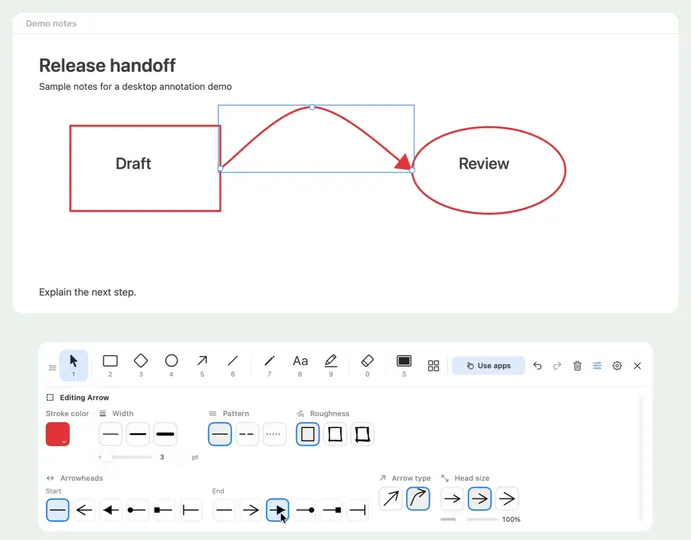
I explain things on video calls all day, and pointing with the mouse never felt like enough. So I built Annotator: a little floating toolbar that lets me circle the exact number, bend an arrow to the button I mean, highlight a line and zoom in, right on top of whatever app I’m showing. The marks look hand-drawn, stay on screen while I keep clicking in the app underneath, and I can move or restyle them later.
There’s a spotlight that follows the pointer, a break timer for when I step away, and a window that shares just one part of the screen in a meeting with the drawings in it. No account, nothing leaves your computer, usage counts are off by default.
It’s two native apps from one repo: Swift on the Mac (menu bar) and C# with WinUI 3 on Windows (tray). The Mac app generates test data that the Windows tests check against, so the two stay in step.
Mac: brew install --cask dorlugasigal/annotator/annotator
Windows: Microsoft Store, https://apps.microsoft.com/detail/9NMZ345ZJ6JK