Copilot Booster
One taskbar icon to manage all your parallel Copilot CLI agents — sessions, terminals, IDEs, and browsers

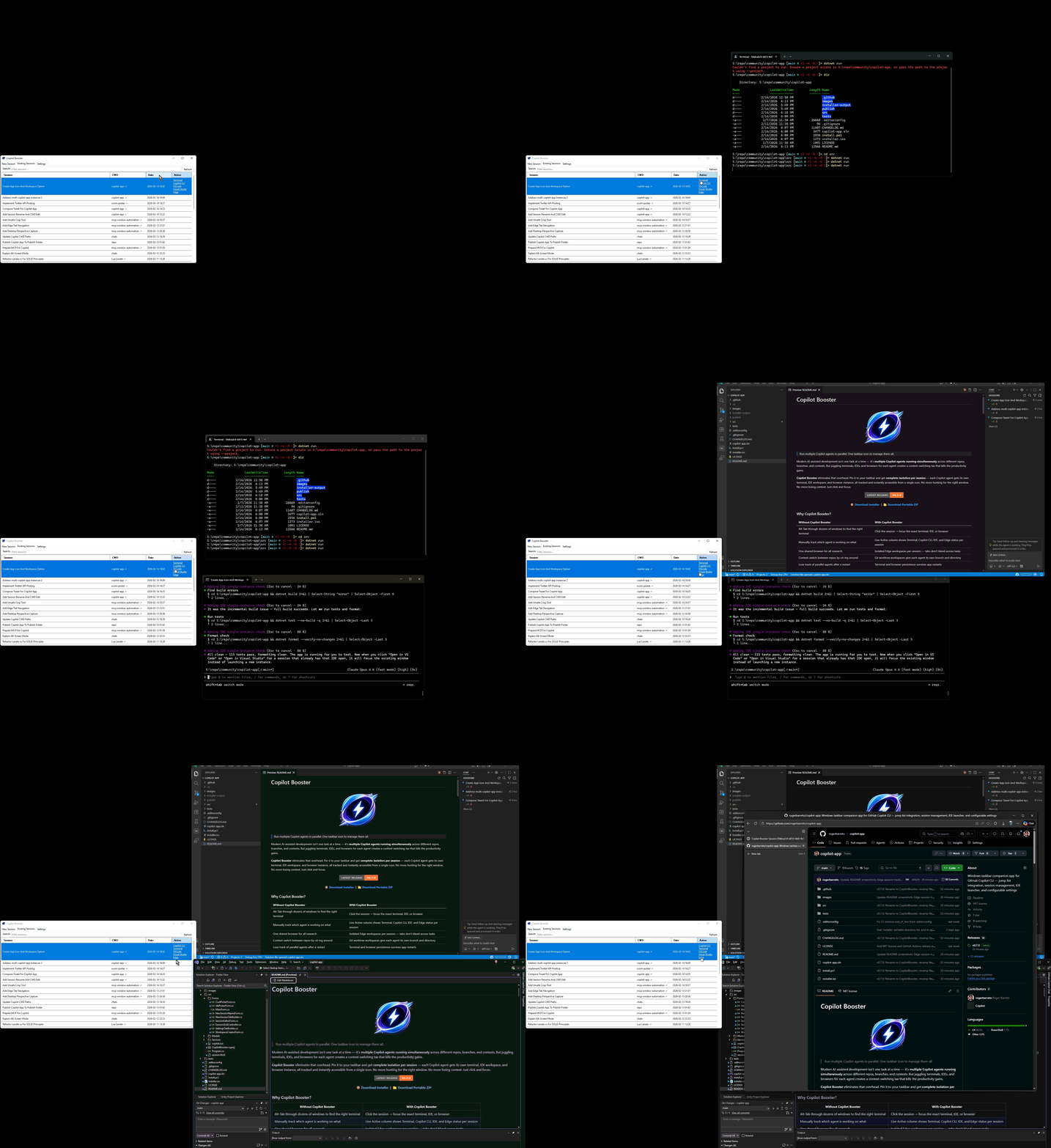
Modern AI-assisted development isn’t one task at a time — it’s multiple Copilot agents running simultaneously across repos, branches, and contexts. But hunting through dozens of terminals and browser windows to find the right one? That’s the productivity tax nobody asked for.
Copilot Booster is a tiny WinForms app that pins to your Windows taskbar and gives you a single command center for all your GitHub Copilot CLI sessions. Each session gets tracked with its own terminal, IDE, and Edge browser workspace — all instantly focusable with a click.
Why it’s delightful:
- 📌 Jump List integration — right-click the pinned taskbar icon to launch or resume any session
- 🔍 Live active tracking — see at a glance which sessions have a running terminal, Copilot CLI, IDE, or browser
- 🌿 Git worktree workspaces — spin up isolated branches per agent with one click
- 🌐 Edge browser isolation — each session gets its own browser workspace with tab-level tracking
- ⚙️ Zero config files — tabbed settings UI for tools, directories, and IDEs
- 🔄 Survives restarts — terminal and browser sessions persist across app restarts
- 📦 Single file, ~1.2 MB — framework-dependent, no bloat
I built it because I run 3-5 Copilot agents in parallel daily and was losing my mind Alt-Tabbing through 20+ windows. Now I just click.
Tired of juggling a million windows for your AI coding buddies? This nifty tool corrals all your Copilot agents into one slick taskbar icon so you can switch sessions like a pro without losing your mind or your context!
Key features:
- 🔥 Manage multiple parallel Copilot agents with isolated terminals, IDEs, and browsers
- ⚡ Click-to-focus instantly on any session’s terminal, IDE, or Edge workspace
- 🎯 Persistent sessions and terminals survive app restarts for seamless workflow continuity
This summary was generated by GitHub Copilot based on the project README.