Copilot CLI Setup
One-command PowerShell script to install & configure GitHub Copilot CLI

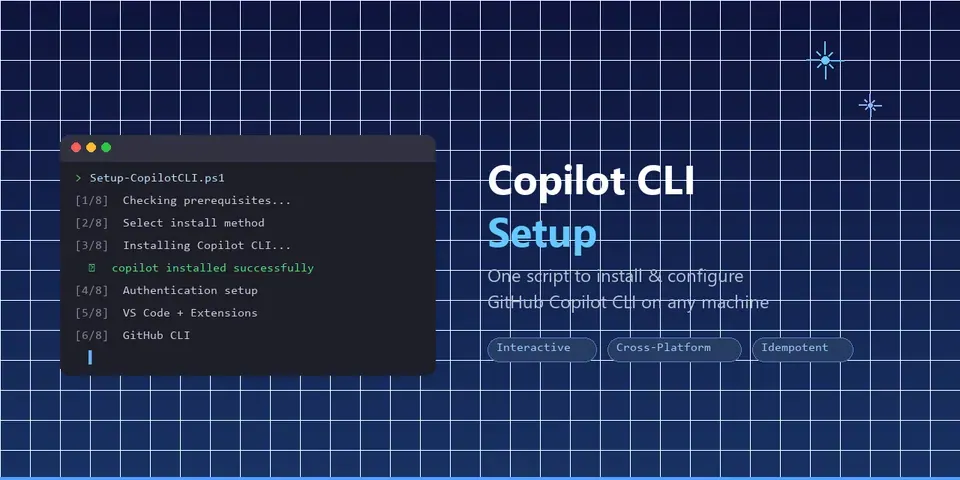
An interactive, cross-platform PowerShell script that walks you through installing and configuring GitHub Copilot CLI on your machine. It handles prerequisites checking, installation (via winget, npm, or install script), VS Code setup with Copilot extensions, GitHub CLI, custom instructions templates, and authentication — all in a beautiful, guided 8-step flow.
Designed to make Copilot CLI onboarding as frictionless as possible. Safe to re-run (idempotent), CI-tested across Windows, macOS, and Linux, and smart enough to detect built-in extensions and already-current versions.
Built it because getting started with Copilot CLI involves several manual steps that can trip up new users. This script makes it a one-command experience.
Get GitHub Copilot CLI up and running with just one PowerShell command—this script makes installing, configuring, and even updating a breeze so you can start coding smarter without the hassle!
Key features:
- 🚀 One-command setup from install to config
- 🔄 Safe to rerun with smart update detection
- 🖥️ Cross-platform support for Windows, macOS, and Linux
- 🎨 Friendly CLI with colorful output and progress indicators
This summary was generated by GitHub Copilot based on the project README.