Debug Window Layout
A small in-process Visual Studio VSIX that automatically arranges windows belonging to processes currently being debugged.

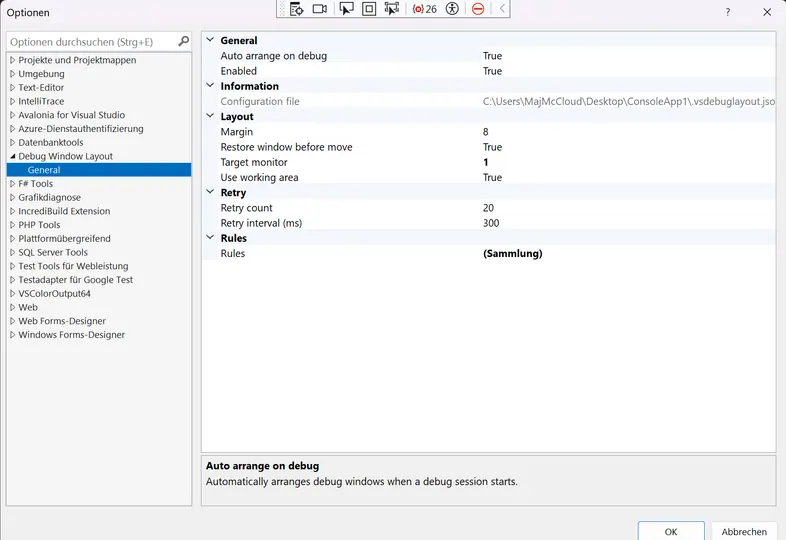
Debug Window Layout is a lightweight Visual Studio extension that automatically arranges the windows of your debugged processes the moment debugging starts. It detects all processes attached to the debugger, matches their windows by process ID (with title-based fallback for console windows), and snaps them into place across your monitors using simple, solution-local rules stored in .vsdebuglayout.json — or an automatic grid if no config exists.
I built it out of the daily frustration of debugging multi-service solutions: every F5 launches a handful of console windows that pile up on top of each other, and rearranging them by hand quickly becomes tedious. This extension eliminates that ritual entirely.
The delight is in the details — zero setup required thanks to automatic grid layout, a one-click generated starter config based on your currently running processes, flexible zones (TopLeft, Right, Full, …) or fully custom normalized bounds, multi-monitor support, and an “Arrange Now” command whenever you need it. Start debugging, and your windows are simply where they belong.