DevWinUI
DevWinUI is a collection of useful classes, controls, styles, and codes for WinUI 3.

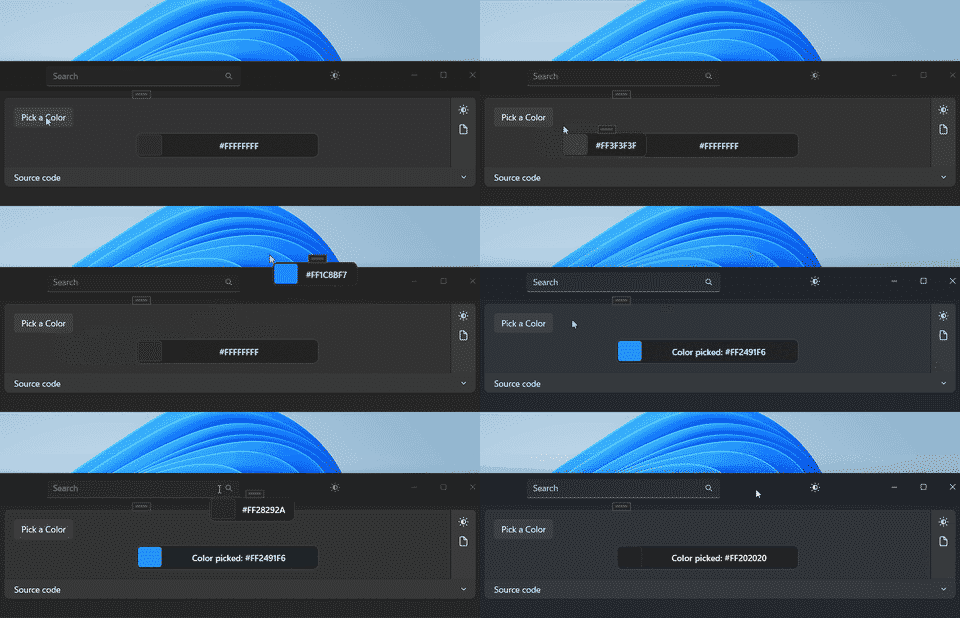
DevWinUI is a comprehensive collection of libraries, components, styles, and tools designed to help you build powerful WinUI 3 applications quickly and efficiently. Whether you’re creating modern desktop experiences for Windows 10, Windows 11, or future versions, DevWinUI brings together everything you need to accelerate development and deliver exceptional results.
- DevWinUI is built around WinUI 3: Microsoft’s modern native UI framework that embraces Fluent Design principles. It enables beautiful, intuitive, and accessible interfaces with the latest patterns and controls.
- Accelerated development: Leverage pre-built templates, scaffolding tools, and ready-to-use helper classes to streamline common tasks such as navigation, theming, and app lifecycle management. Get your project up and running in minutes while maintaining flexibility and control over your design.
- Optimized performance: All components are purpose-built for high performance and reliability, ensuring smooth, responsive, and scalable applications that shine across devices and environments.
- Native AOT Compatible: 99% full compatible with Native AOT. DevWinUI adapts to system capabilities to ensure consistent functionality and a great user experience wherever your app runs.
- Designed for developers: Whether you’re an experienced professional or just starting out, DevWinUI provides a unified and productive foundation to help you transform your ideas into powerful applications.
- Build faster: Create smarter. Deliver extraordinary experiences.
Copilot says:AI-generated
Supercharge your WinUI 3 apps with a treasure trove of handy classes, controls, and styles that make building Windows desktop experiences a breeze and keep your code Native AOT friendly!
Key features:
- 🔥 Native AOT compatible for blazing fast apps
- ⚡ Rich collection of reusable UI controls and styles
- 🎯 Comprehensive docs and samples galore
- 🚀 Ready-made templates to kickstart your projects
This summary was generated by GitHub Copilot based on the project README.