ElBruno.OllamaMonitor
Tiny Windows tray monitor for Ollama status, models, CPU, RAM, and GPU.

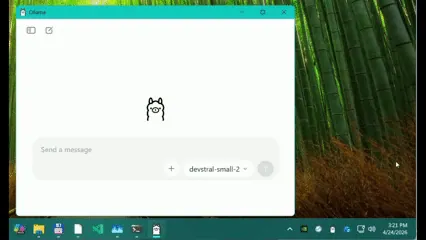
ElBruno.OllamaMonitor is a tiny Windows system tray companion for anyone running Ollama locally.
It shows at a glance whether Ollama is available, which models are currently loaded, and how much CPU, RAM, and GPU the Ollama process is using.
I built it because I wanted instant feedback while developing and presenting local AI demos, without keeping terminals or Task Manager open. It also includes a compact always-on-top monitor and simple actions to start Ollama, stop models, pull or remove models, and copy model names.
Tiny, practical, and delightfully nerdy.
Keep your Ollama AI models in check with a tiny Windows tray app that shows real-time status, resource usage, and lets you control models without breaking a sweat—perfect for AI tinkerers and demo dynamos alike!
Key features:
- 🔥 Color-coded tray icons for instant Ollama status
- ⚡ Real-time CPU, RAM, and GPU monitoring
- 🎯 Full model lifecycle controls like start, stop, pull, and remove
- 🪟 Mini always-on-top monitor window for quick resource peeks
This summary was generated by GitHub Copilot based on the project README.