fullscreen
fullscreen PowerShell terminal apps for monitoring, browsing, and building your own TUIs.

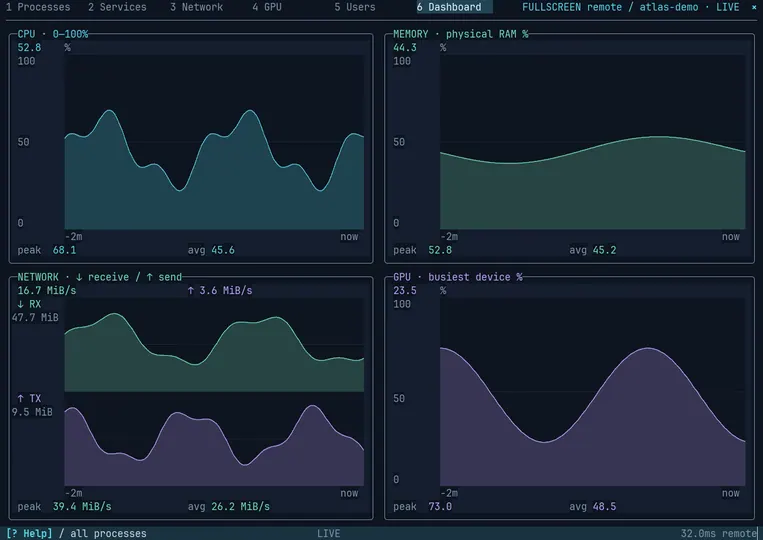
fullscreen is both a set of useful full-screen terminal apps and a framework for building your own. Its interactive tools help you monitor local or remote machines, explore PowerShell objects, browse files, follow logs, and work with Git, GitHub, and Azure DevOps, all without leaving your terminal.
Highlights
-
Live system monitoring:
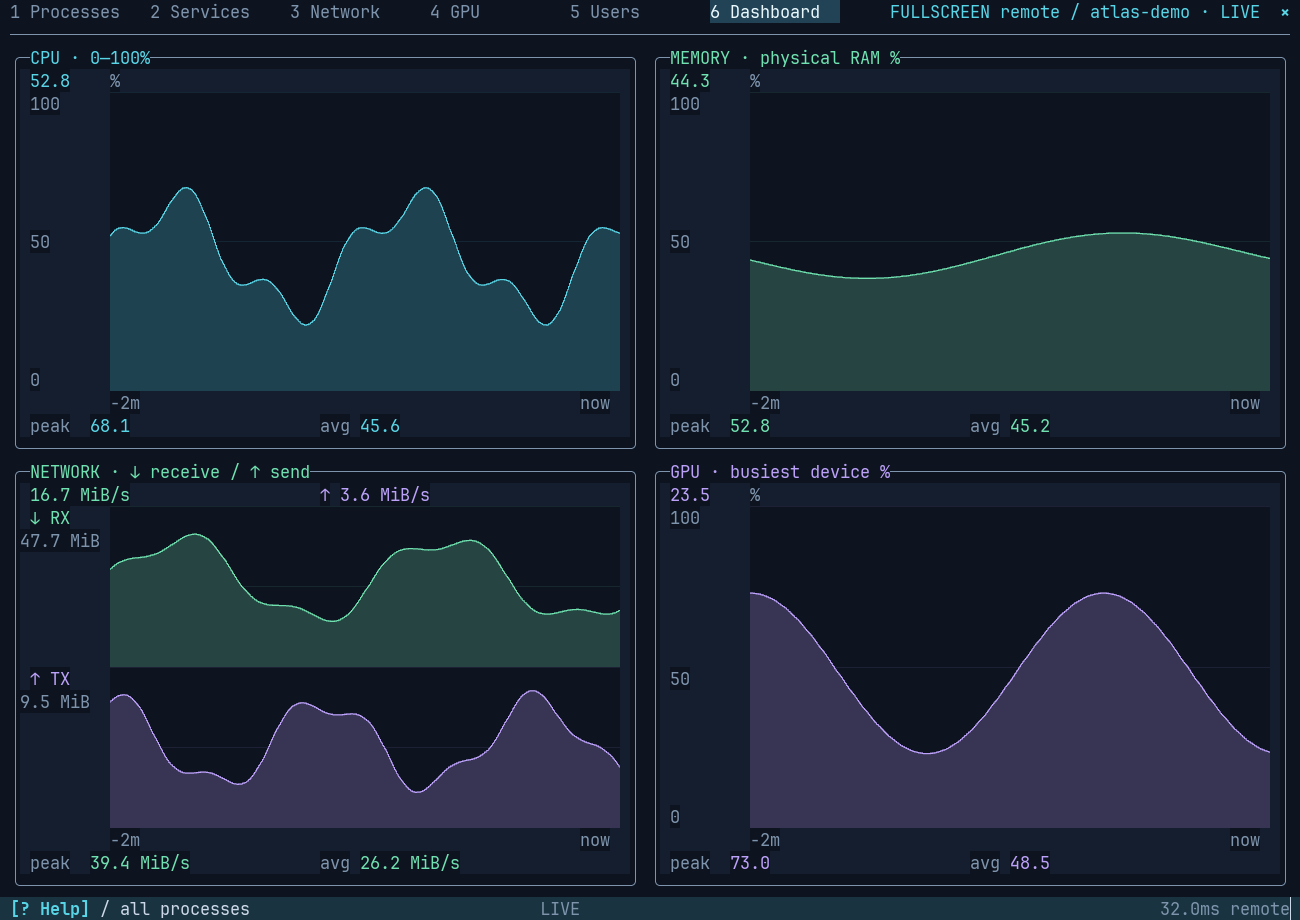
ftopbrings together processes, services, network, GPU, user sessions, and a live dashboard. -
Remote support: Monitor another computer with PowerShell remoting.
-
Interactive charts:
Out-Chartexplores PowerShell pipeline objects. Choose fields and graph styles, filter and group data, zoom and inspect points, and return selected original objects to the pipeline. Twelve graph styles include line, area, bars, scatter, heatmap, and error bars. -
Sixel rendering: Charts use rich Sixel graphics on compatible terminals and fall back to terminal-cell graphics when Sixel isn’t available.
-
Visual TUI designer:
fdesignprovides a control palette, drag-and-drop layout editing, and live preview. Save and refine layouts visually. -
Build your own TUIs: Compose an app from reusable controls such as tables, logs, charts, tabs, and file browsers, then run it directly or export a ready-to-customize PowerShell scaffold with help, shared state, and event/update hooks.
-
More terminal apps: Browse files and pipeline objects, follow logs, and work with Git, GitHub, and Azure DevOps without leaving the terminal.
Get started
Requires PowerShell 7.6 or later. Install the module and launch the system monitor:
Install-Module fullscreen
ftop
Whether you want a ready-made terminal tool or a starting point for your own app, fullscreen brings rich, interactive experiences—including Sixel graphics—to the PowerShell terminal.