iOS Screen Capture Tool
Mirror your iPhone or iPad screen on your Windows PC over USB

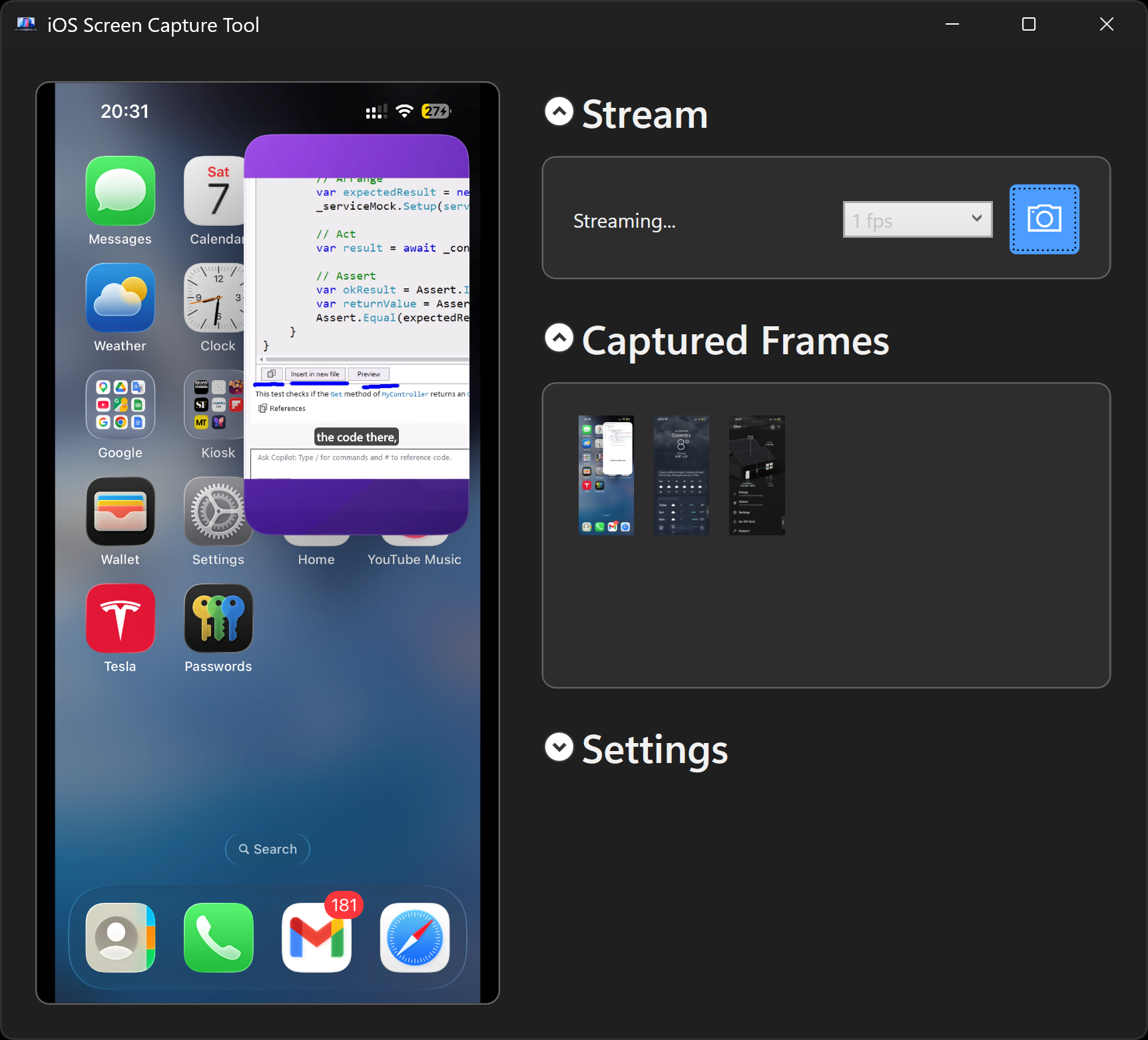
See your iOS screen on your Windows PC with a live preview by simply plugging in a USB cable. Capture screenshots using the UI button, the tray menu, or a single command from any terminal. An AI agent can also observe your screen by repeatedly calling --capture-frame while it runs, enabling continuous analysis rather than just a single snapshot.
Copilot says:
AI-generated
Want to see your iPhone or iPad screen live on your Windows PC without Wi-Fi fuss or extra apps on your device? This tool streams your iOS screen over USB with buttery smooth 60 fps and lets you snap screenshots or automate visual checks like a pro!
Key features:
- 📱 Live iOS screen mirroring on Windows over USB
- 📸 Instant screenshot capture via tray or command line
- 🤖 AI-friendly frame capture for automated UI and bug checks
- 🔄 Auto reconnects and runs quietly in the system tray
This summary was generated by GitHub Copilot based on the project README.