lazydotnet
A TUI companion for managing .NET solutions: NuGets, tests, launch projects

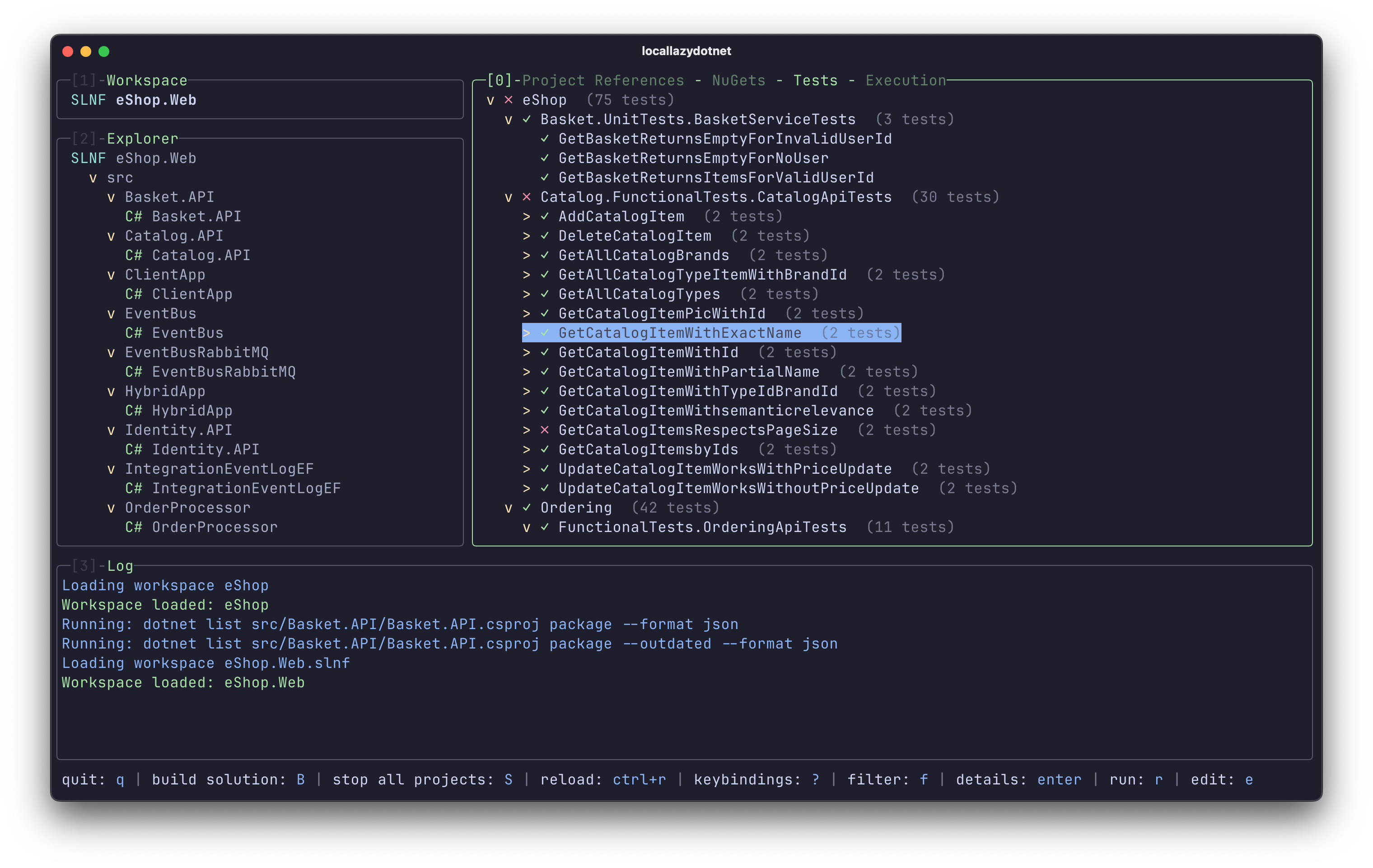
Lazydotnet is a Terminal User Interface (TUI) designed to streamline the workflow for .NET developers who live in the CLI.
What it does: It provides an interactive dashboard to explore solution structures, manage NuGet packages, execute tests, and launch projects. It wraps standard dotnet commands into a snappy, keyboard-driven interface.
Why I built it: I love the speed and focus of terminal tools like lazygit, but I found myself constantly context-switching or typing out verbose dotnet commands for simple tasks. I wanted a tool that brought the visual hierarchy of an IDE to the speed of the terminal.
Why it’s delightful: It reduces friction. You can navigate complex solutions and run specific tests without touching a mouse. It makes the .NET CLI feel modern, fast, and surprisingly cozy.
Think lazygit but for your .NET solutions — a slick terminal UI that lets you navigate projects, wrangle NuGet packages, and run tests without ever touching your mouse or leaving the command line.
Key features:
- 🌳 Vim-style solution explorer with tree navigation
- 📦 Color-coded NuGet management showing patch/minor/major updates
- 🧪 Run and filter tests across xUnit/NUnit/MSTest
- 🚀 Live log streaming for running projects
This summary was generated by GitHub Copilot based on the project README.