RoslynKit
Roslyn-powered CLI that helps coding agents navigate C#/.NET code without grep-style guessing.

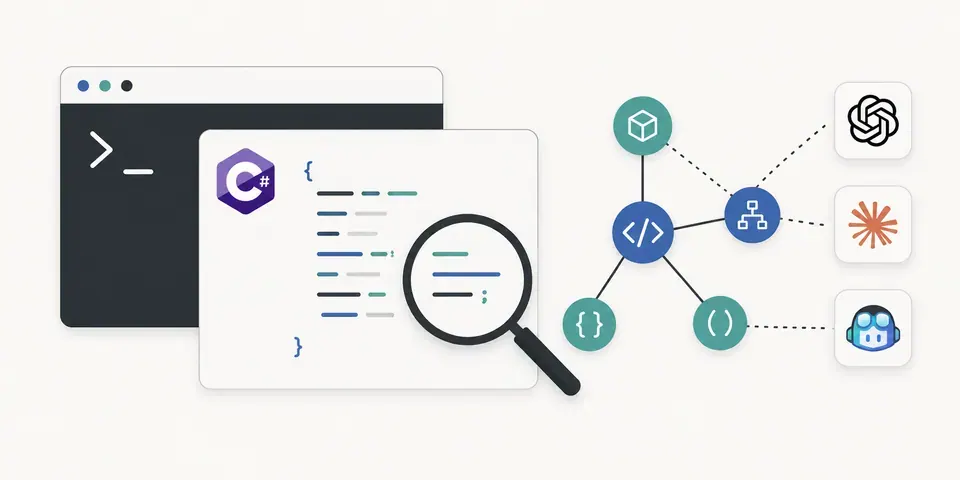
RoslynKit is a Roslyn-powered command-line tool for inspecting C#/.NET solutions from the terminal. It loads .slnx, .sln, or .csproj files with MSBuild, then asks Roslyn for real source information: projects, documents, symbols, definitions, references, implementations, signatures, documentation, source ranges, and diagnostics.
I built it so coding agents can use compiler-backed navigation instead of relying only on grep-style text search. A coding agent can ask RoslynKit where a symbol is defined, what references it, what implementation exists, or what type/signature appears at a cursor position, then make decisions from structured source facts rather than string matches.
RoslynKit is still just a normal CLI. It does not require an MCP server, LSP client, background daemon, or editor integration. The roslynkit init command can scaffold optional skill files so coding agents know when and how to call the CLI during C# repository work.
Navigate your C#/.NET code like a wizard with a Roslyn-powered CLI that lets you explore projects, symbols, and references without the messy guesswork of grep—IDE-level insights straight from your terminal!
Key features:
- 🔥 Load and inspect .NET projects with MSBuild
- ⚡ Find definitions, references, and implementations with precision
- 🎯 View compiler diagnostics and symbol info instantly
- 📜 Generate stable terminal output perfect for scripting and bug reports
This summary was generated by GitHub Copilot based on the project README.