SnapAgent
Feed screenshots to AI agents instantly. Desktop stays clean.

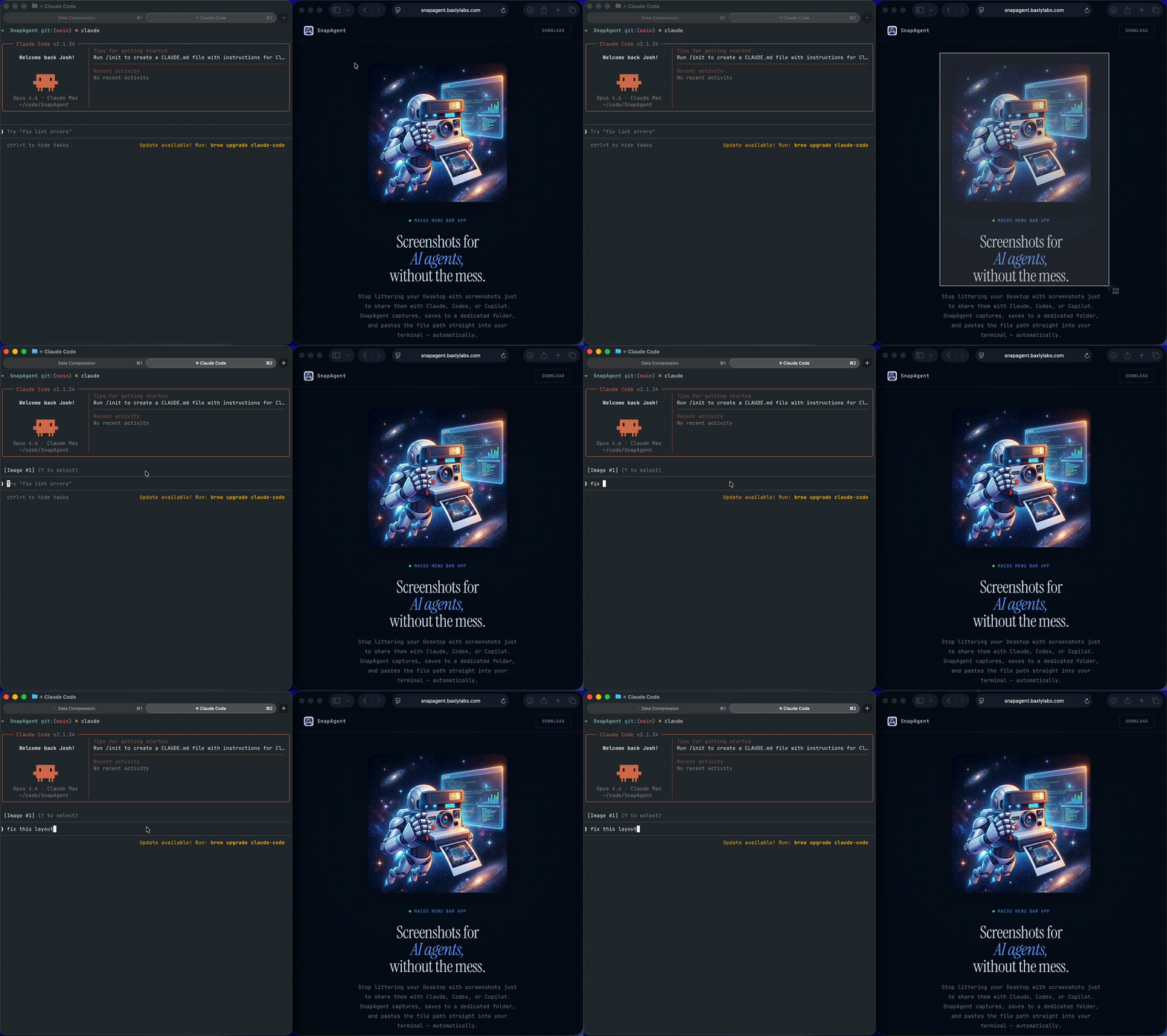
I was tired of screenshots piling up on my desktop and Downloads folder just to send them to Claude in the terminal. SnapAgent solves this by capturing screenshots and instantly pasting the file path directly into your terminal: no copy-pasting, no hunting through folders. It auto-organizes everything into ~/.ai-screenshots/ and cleans up old screenshots automatically. Just hit ⌦⇧A for region or ⌘⇧S for full screen, and the path is ready in your terminal. Everything is configurable: customize your hotkeys, choose your screenshot folder, set auto-cleanup cadence, and control what happens after capture (copy + paste, copy only, or nothing). Delightful because it removes friction from your AI coding workflow and keeps your desktop pristine.
Snap your screen and zap that screenshot path straight into your terminal without cluttering your desktop—perfect for developers who love keeping things tidy and efficient!
Key features:
- 📸 Auto-paste screenshot file paths into your last active terminal
- 🧹 Auto-cleanup deletes old screenshots so your folder stays fresh
- 🎨 Customizable hotkeys for quick region or full screen capture
- 🖥️ Supports major terminals like iTerm2, VS Code, and Warp
This summary was generated by GitHub Copilot based on the project README.