Statusline
A customizable PowerShell prompt and live status line, with a native CLI for bash, zsh, and fish.

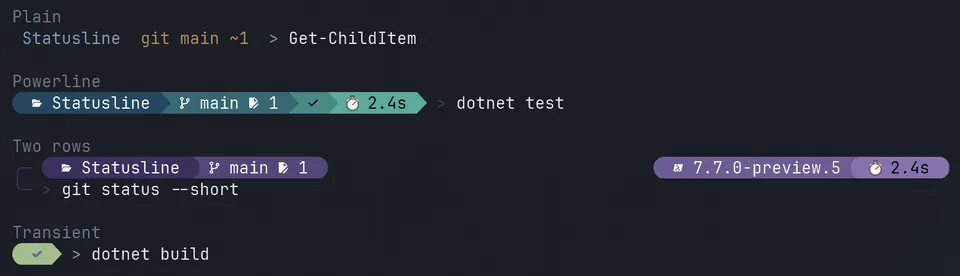
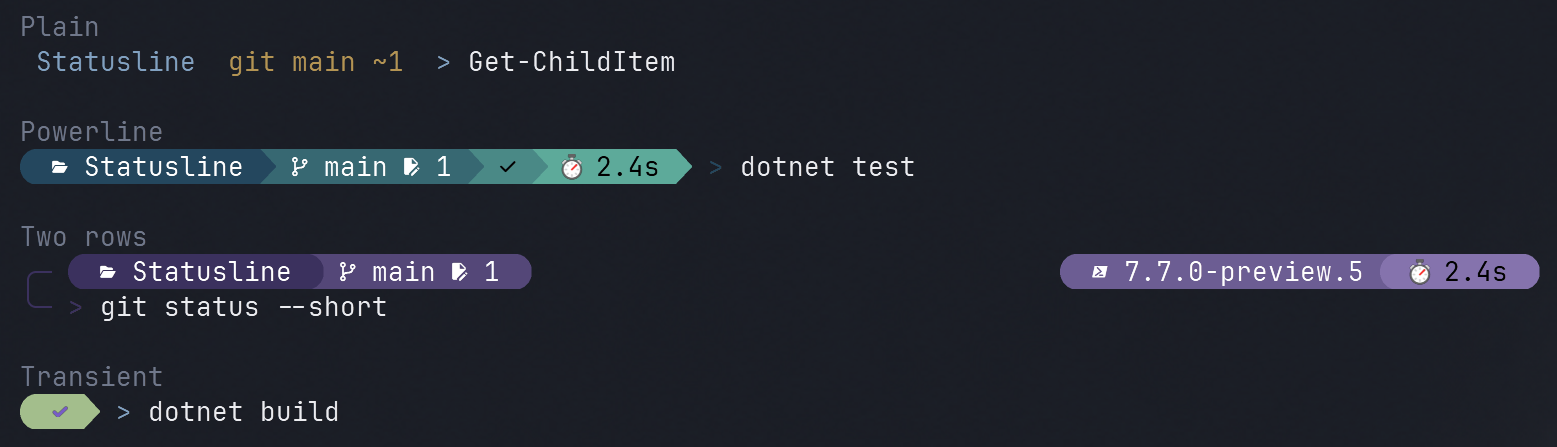
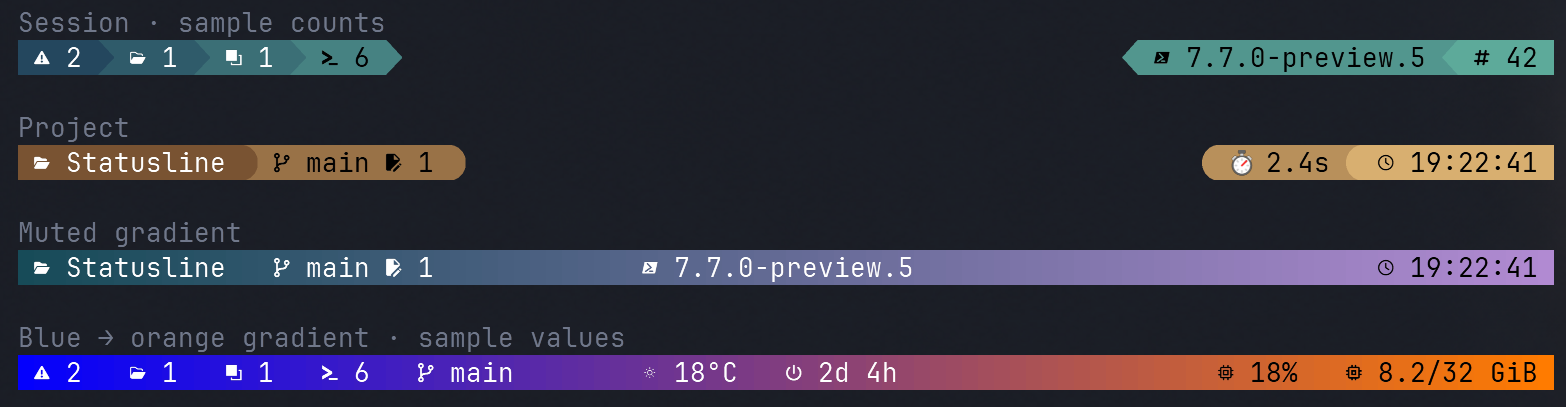
StatusLine brings your project context, command results, and system activity right to the place you need them: your prompt and terminal status line. Both are built from the same reusable blocks, so you can create a setup that’s useful at a glance and make it your own with flexible layouts, colors, gradients, and icons.
Install the PowerShell module and enable your prompt:
Install-Module Statusline
Enable-Prompt
Enable-StatusLine
or use the native cli
# bash
eval "$(statusline init bash)"
# zsh
eval "$(statusline init zsh)"
# fish
statusline init fish | source
Highlights
- A prompt that fits your workflow: one- or two-row layouts, left and right groups, and compact transient prompts.
- A separate live status line: keep system activity and other useful blocks visible in terminals that support it, such as Contour (using DECSASD/DECSSDT).
- Make it yours: choose gradients, Powerline or rounded segments, and Nerd Font, Unicode, or plain-text icons.
- Reuse or create blocks: combine built-in information with your own PowerShell script blocks, including refresh intervals and timeouts.
- Works across shells: use the PowerShell module (PowerShell 7.6+) or the native CLI for Bash, Zsh, and Fish—without requiring PowerShell or .NET for the CLI.
- Stays responsive: background updates keep the last result for slower blocks and pause after a minute of inactivity.