Tiny Clips
Tiny macOS app to record videos/gif/screenshots and edit them.

A lightweight macOS menu bar app for capturing screenshots (PNG), video (MP4), and animated GIFs of a selected screen region.
Features
- Screenshot — Select a region and capture a PNG screenshot
- Video Recording — Record a screen region to MP4 with H.264 encoding
- GIF Recording — Record a screen region as an animated GIF
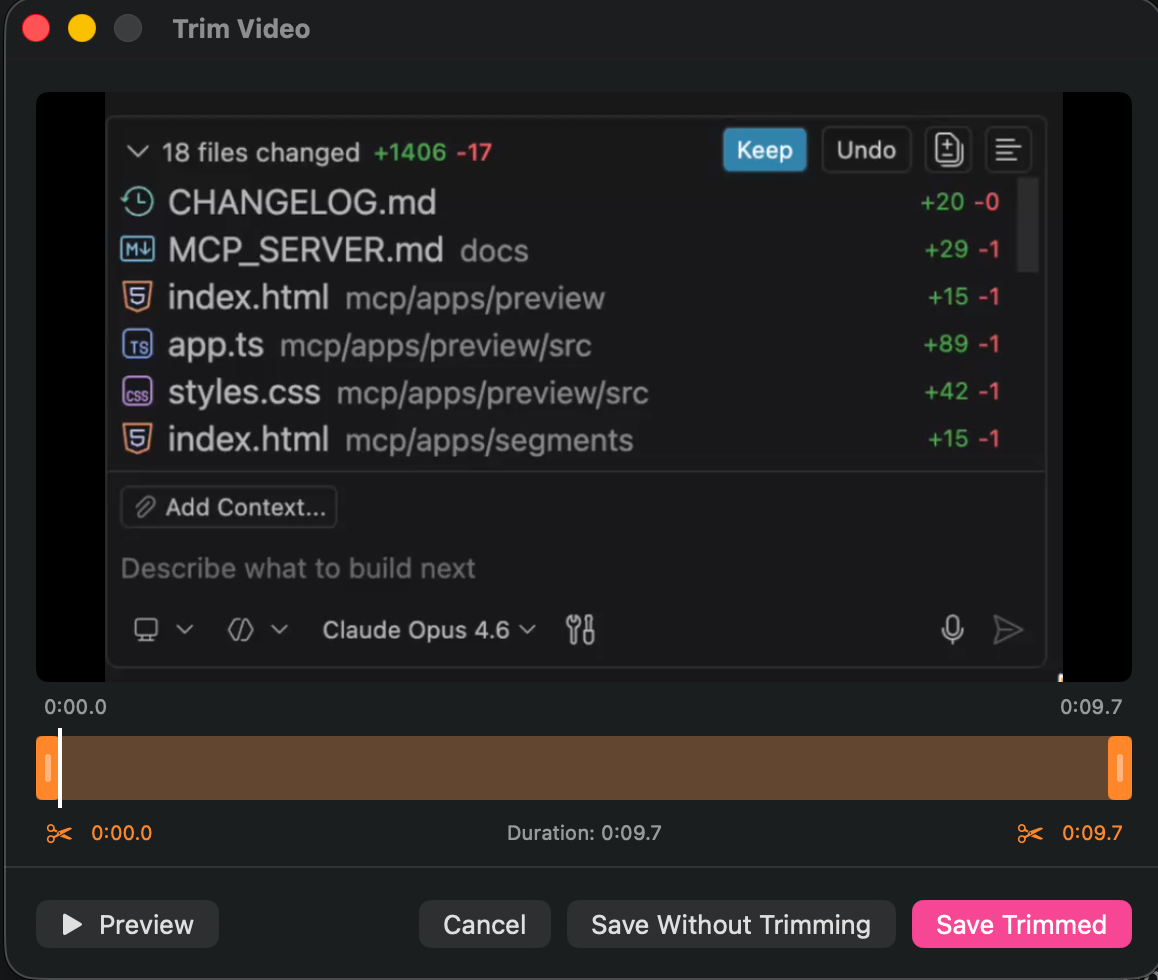
- Video Trimmer — Built-in trim editor to cut the start/end before saving
- Menu Bar App — Lives in the menu bar with no Dock icon
- Region Selection — Drag to select any portion of any screen
- Auto-Updates — Built-in Sparkle integration for seamless updates
- Configurable — Save location, clipboard, Finder reveal, GIF quality, trimmer toggle
Copilot says:
AI-generated
A sleek little menu bar app that captures screenshots, videos, and GIFs of any screen region you drag — with a built-in trimmer so you can cut the awkward bits before sharing.
Key features:
- 📸 Capture PNG screenshots, MP4 video, or animated GIFs with region selection
- ✂️ Built-in video trimmer lets you cut start and end before saving
- 📋 Auto-copy to clipboard and reveal in Finder options
- ⌨️ Global keyboard shortcuts for instant capture without touching the menu
This summary was generated by GitHub Copilot based on the project README.