Unlatch
Native macOS menu bar app that shows how a PDF is locked and removes its open password (no uploads, no dependencies)

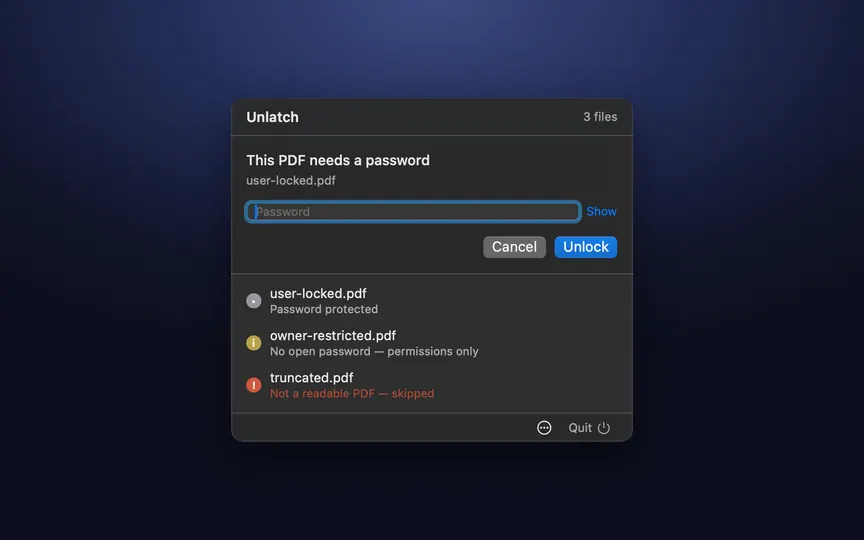
Unlatch is a native macOS menu bar app (SwiftUI + PDFKit, no external dependencies). Choose one or more PDFs and it classifies each before touching it: password protected, owner-restricted, not encrypted, or unreadable. For password-protected files you type the real password and it writes a copy with the open password removed, to the same folder, the Desktop, or a folder you choose. Files that already open freely are copied as-is. Everything happens on your Mac: nothing is uploaded, no account, no network access. I built it because the usual options are uploading private documents to an online unlocker or paying for a desktop app. The core logic also ships as a small Swift package, UnlatchCore, usable as a library. Requires macOS 14+. The app is ad-hoc signed, not notarized, so on first launch run: xattr -dr com.apple.quarantine /Applications/Unlatch.app