VS Code MCP Install Button Generator
Create one-click VS Code install badges for MCP servers.

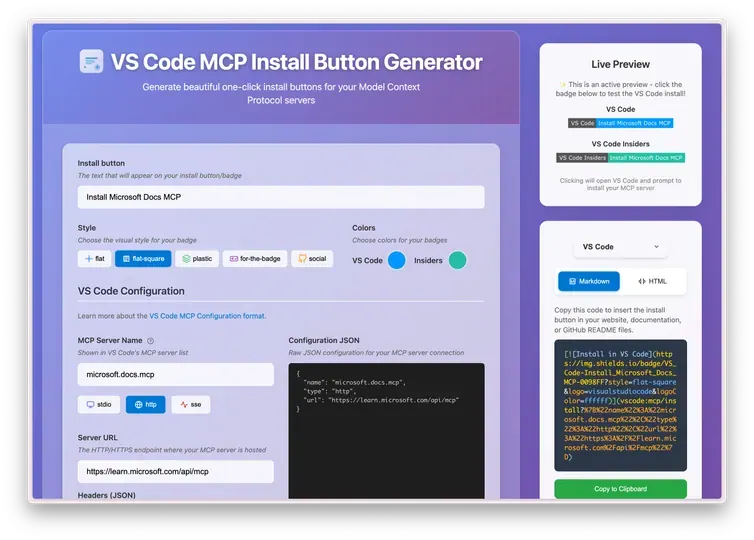
VS Code MCP Install Button Generator is a free, open source web utility for creating VS Code MCP install links and badges. It supports stdio and HTTP/SSE MCP server configs, lets you customize Shields.io badge styles and colors, and generates Markdown or HTML ready for a README or project page. It is delightful because it turns the fiddly URL encoding for vscode:mcp/install links into a quick copy-and-paste workflow.
Copilot says:AI-generated
Turn your MCP server into a one-click install superstar with snazzy VS Code badges that you can customize and embed anywhere—making installs effortless and eye-catching for your users!
Key features:
- 🌐 Full MCP server config support for stdio and http/sse
- 🎨 Customizable badges with colors, styles, and logos powered by Shields.io
- 📋 Generate Markdown or HTML code ready to drop into docs or websites
- ⚡ Live preview and instant copy-to-clipboard for speedy workflow
This summary was generated by GitHub Copilot based on the project README.